Every photo of the listing, ready for the portals in one run.
Stage empty rooms, turn day shots into twilight, declutter and hide the address. Set the steps once, run them on the whole shoot and export the crops your portals ask for.
Edit once. Apply it to every image.
Chain our AI tools into a reusable recipe — remove the background, crop to size, add a shadow, export for every marketplace — and run it on hundreds of images in one go.
Try Workflows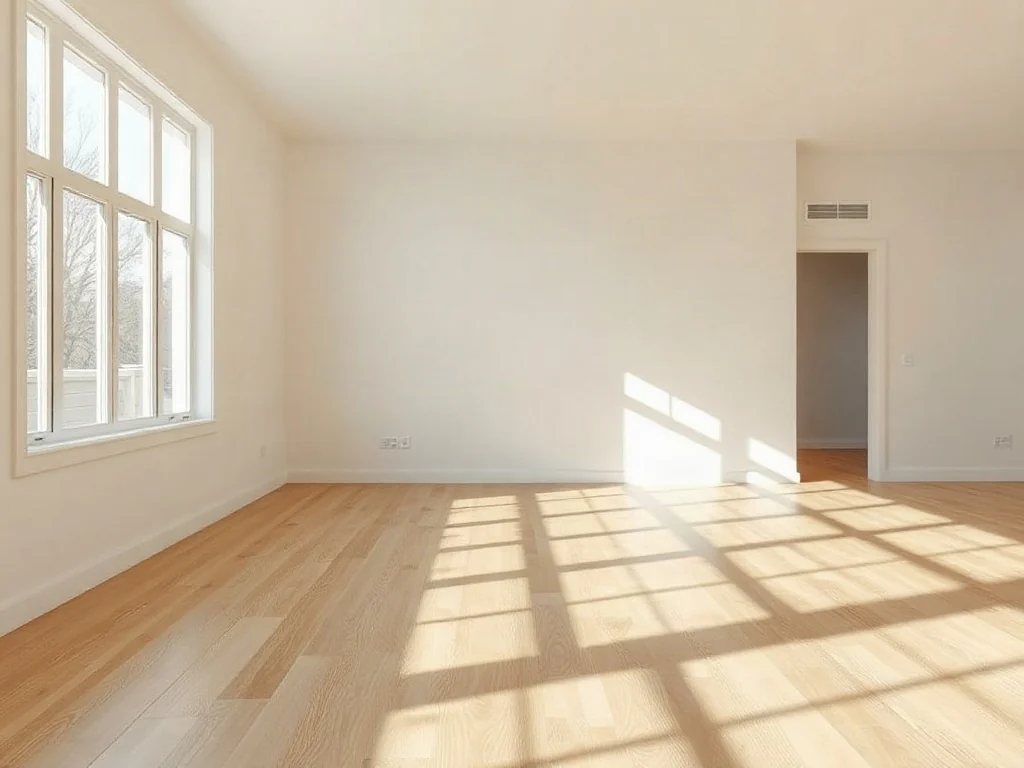
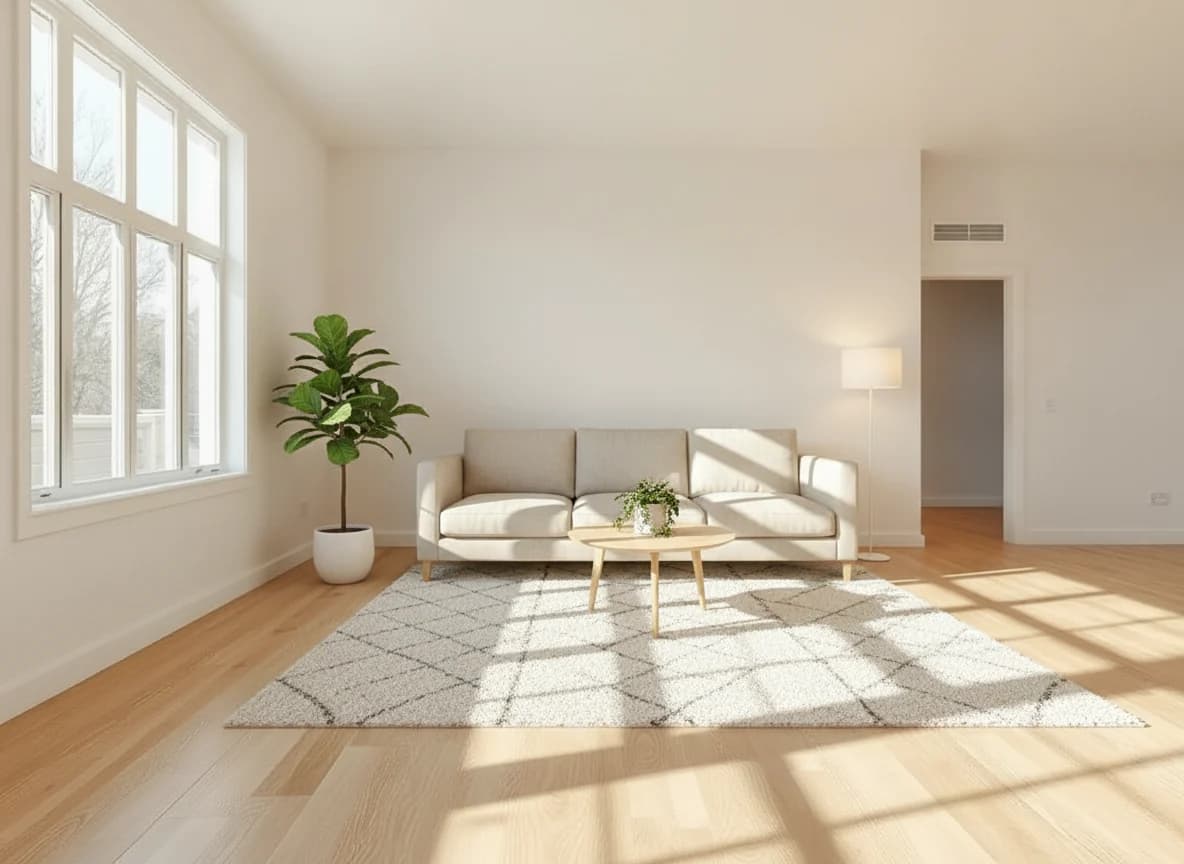
Stage this empty room as a bright Scandinavian living room: linen sofa, wool rug, oak coffee table, plants. Keep walls, windows and floor.
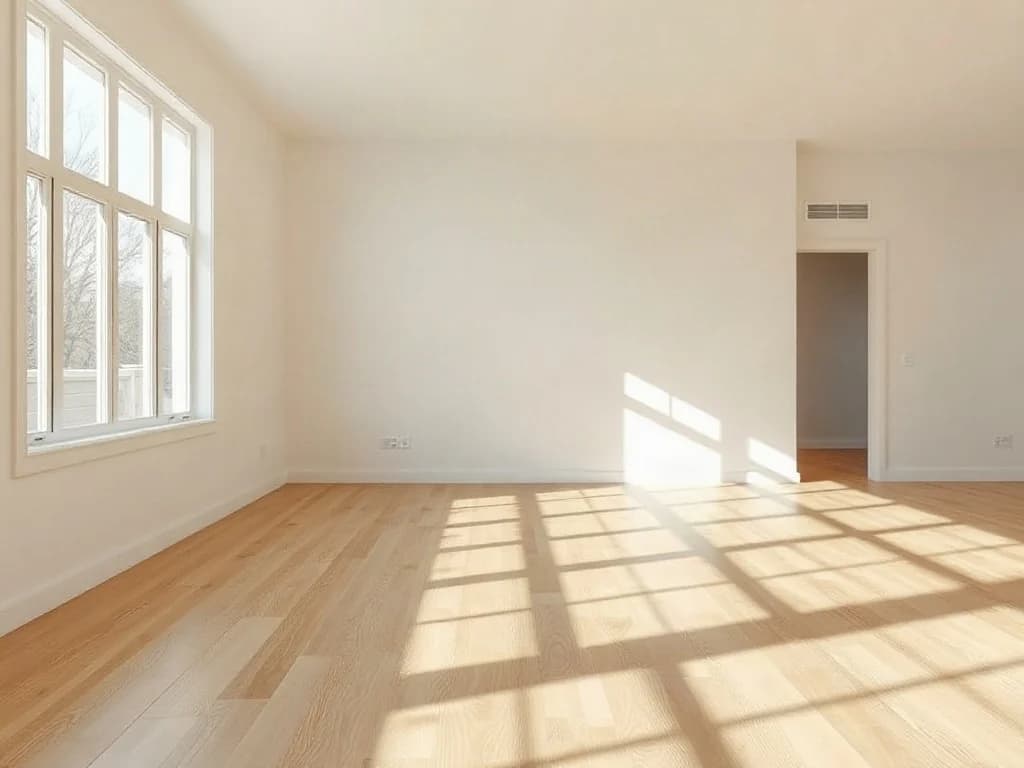
InputEmpty room
Save hours on repetitive tasks
Set up the steps once and let the whole batch run while you focus on other work.
Consistent quality, every time
Every image goes through the same steps and settings, so your whole catalog looks like one photo shoot.
From one image to thousands
Upload a folder of photos and download finished, ready-to-publish files in bulk.
Stay in control
Add a review step to approve or redo results before credits are spent on the next steps.
The edits every listing needs, without the photo studio
Each one works on a single photo in seconds, or on every photo of a listing at once.
- BeforeAfter01
Virtual staging
Furnish empty rooms in a style that suits the buyer. Walls, windows and floors stay exactly as they are.
Try it  BeforeAfter
 02
02Day to twilight
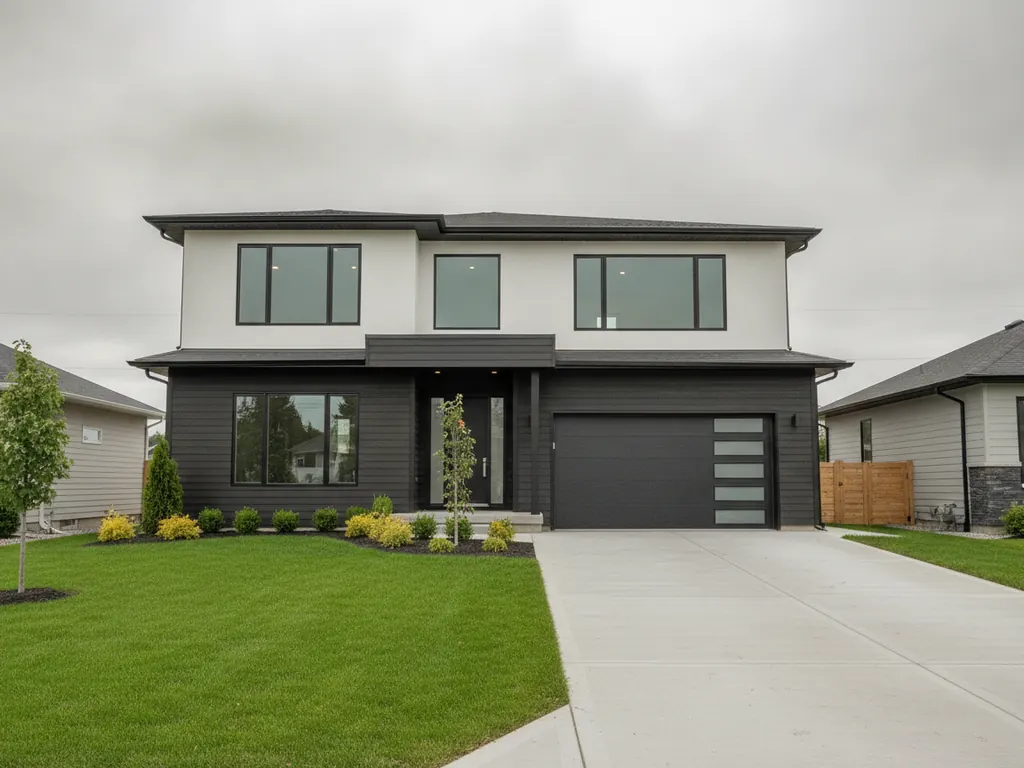
Turn a flat daytime exterior into a warm twilight shot with glowing windows, without a second shoot at dusk.
Try it BeforeAfter
 03
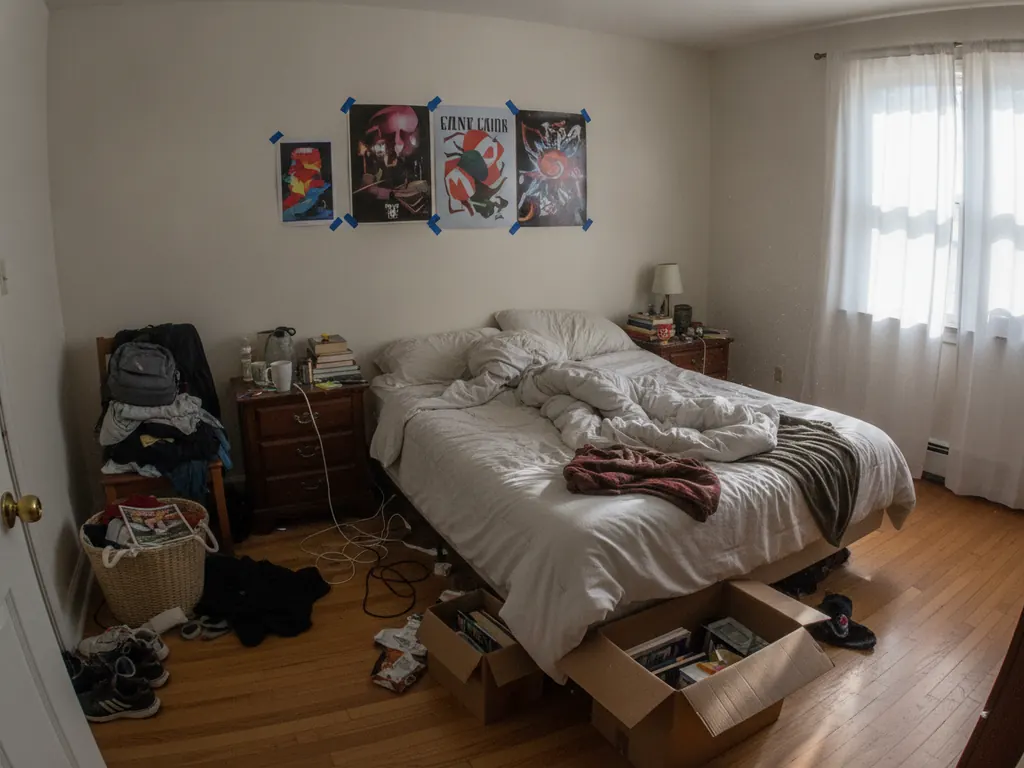
03Declutter rooms
Clear away personal items, cables and mess, so buyers see the room instead of the seller's belongings.
Try it BeforeAfter
 04
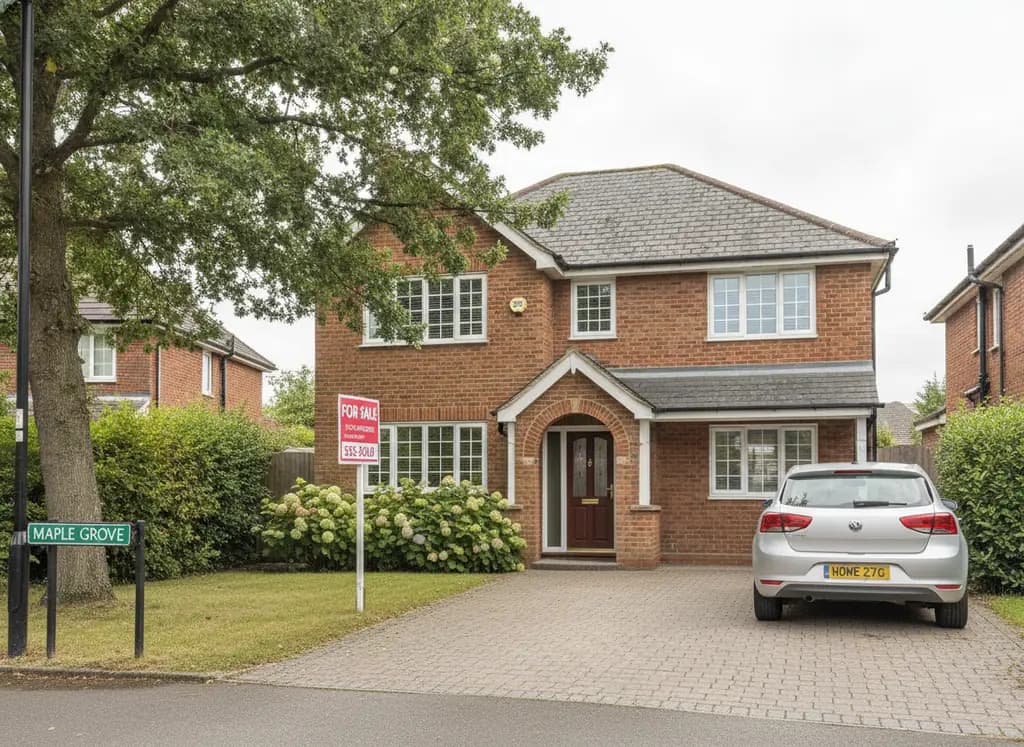
04Hide the address
Remove house numbers, street signs, agency boards and number plates for private or off-market listings.
Try it
Files that are ready for the listing
- 3:2 · 4:3Listing crops for portals and your website
- Up to 10×Upscaling for brochures and window cards
- Whole listingEvery photo edited in one run
- Originals keptBefore and after side by side, for disclosure
Ready-made workflows for agents and photographers
Start from a template, change any step and run it on the whole shoot.
- Staging in three styles
- Empty room
- 3 interior styles
- Virtual staging
- Review
- Day to twilight
- Exterior photo
- AI edit: twilight
- Compare
- Full listing pack
- Enhance
- Review
- Portal, web and print files
The same workflows, for other industries
The same tools and batch runs, set up for the photos other trades publish.
- Automotive
Every car on your lot, in the same showroom.
For dealers, rental companies and marketplaces.
- Showroom and white studio backgrounds
- Number plates hidden or branded
- Reflection and glare clean-up
- Matching photos across your whole inventory
- E-commerce
Marketplace-ready product photos, from a phone shot.
For online stores, brands and marketplace sellers.
- Pure white backgrounds with soft shadows
- Lifestyle scenes without a photo shoot
- Ghost mannequin for apparel
- Amazon, eBay, Shopify and social sizes
- Print
Customer files, fixed for print.
For print shops, sign makers and merch producers.
- Logos to SVG, EPS, PDF and DXF vectors
- Upscale low-res artwork up to 10×
- 300 DPI and RGB to CMYK
- Bleed and crop marks



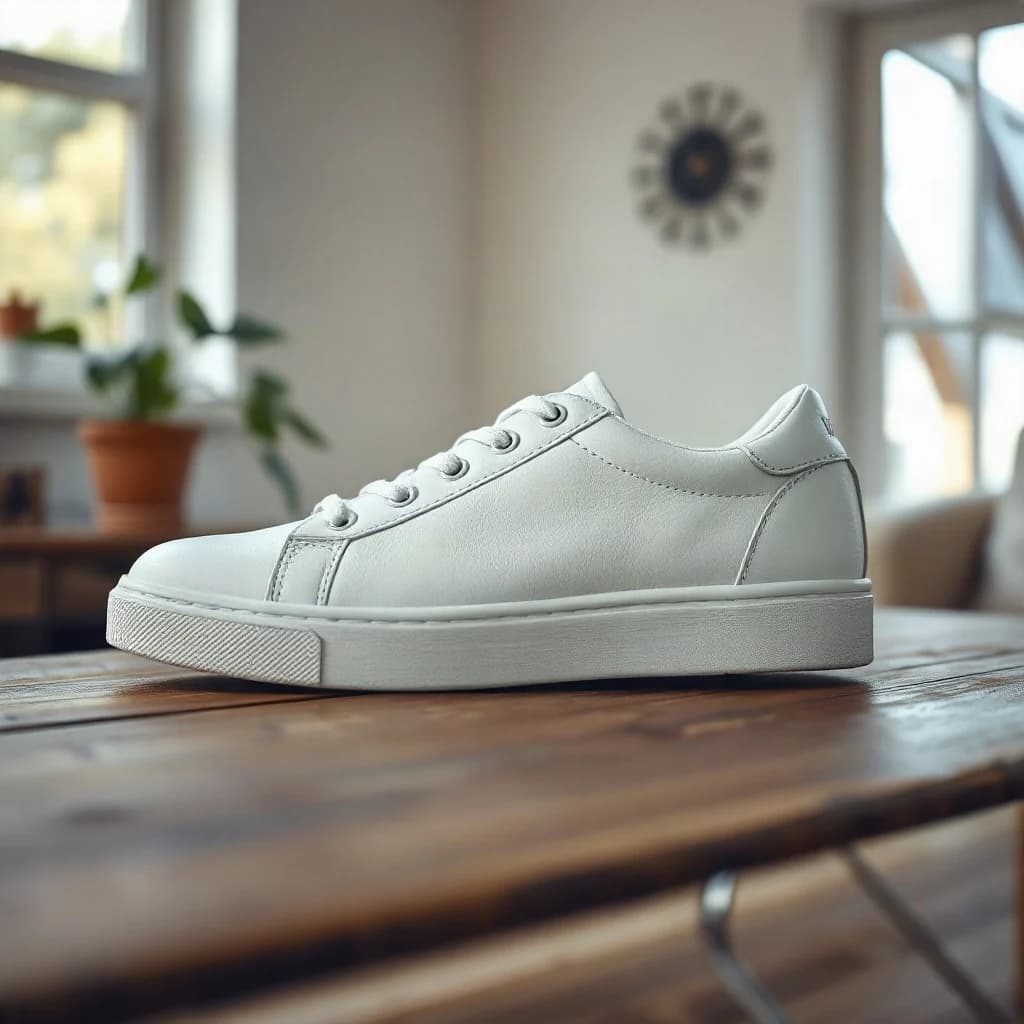


Stage and enhance listing photos from your own software
Connect your CRM, website or portal feed and stage empty rooms, turn day shots into twilight and upscale property photos automatically as new listings come in.
Virtual staging by API
Send a room photo and a prompt, get back the staged photo. Twilight and decluttering work the same way.
Sharper photos and formats
Upscaling 2× to 10×, image extension and format conversion work with the same API key.
Your keys, working examples
Create API keys in your dashboard and copy ready-to-run code for every endpoint.
const url = "https://api.yumepik.com/api/v3/prompt-image-edit"

const headers = new Headers();
headers.append("Authorization", "Bearer YOUR_API_KEY_HERE");
headers.append("Content-Type", "application/json");

const requestOptions = {
  method: 'POST',
  body: JSON.stringify({
    "files": ["https://example.com/empty-room.jpg"],
    "prompt": "Stage this empty room as a bright Scandinavian living room. Keep walls, windows and floor unchanged.",
    "ai_model": "gemini_3"
  }),
  headers: headers,
};

fetch(url, requestOptions)
  .then(response => response.json())
  .then(result => console.log(result))
  .catch(error => console.log("error", error));
Frequently asked questions
Does virtual staging change the room itself?
No. The edit keeps the walls, windows, floors and camera angle and only adds furniture and decor. AI can still make mistakes, so check every photo before you publish. In a workflow, a review step lets you redo any image before the next step runs.
Do I have to say that a photo was virtually staged?
In many markets, yes. Rules differ by country, portal and association, so check the ones that apply to you. A common approach is to label the photo as virtually staged and show the original next to it. Our disclosure templates export the original alongside each edited photo.
Can I edit every photo of a listing at once?
Yes. Upload the whole shoot to a workflow and every photo goes through the same steps with the same settings. You download the finished files in one zip.
Which sizes and formats can I export?
Crop to 3:2, 4:3 or any ratio you need and download JPG or PNG files. For brochures and window cards, upscale photos by up to 10×.
Do I need design or photo editing skills?
No. Pick a template or a tool, upload your photos and download the results. You can change a template's steps and prompts if you want something different.
Get your next listing online faster
Stage, relight and clean up every photo of a listing in one go.
Start for free