Image Vectorizer
Convert any rasterized image and logo into a vector file (SVG, EPS, DXF, or XML) for crisp edges and clean detail at any size—from small profile images to full-scale billboards.
See It in Action
Image to vector converter
The SVG Converter supports any image in PNG, JPEG, WEBP, or PDF format. Just upload your file and instantly get an infinitely scalable, fully editable vector that's ready for design, printing, or branding at any size.
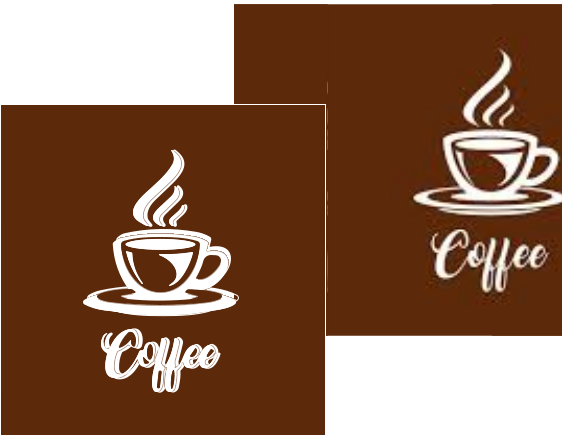
Ideal for images, logos & illustrations
Say goodbye to pixelated images, logos, and illustrations. With our SVG converter, you can instantly transform your visuals into crisp, scalable vector files that stay sharp at any dimension. Great fit for web graphics, large-format prints, source files for engraving and embroidery.
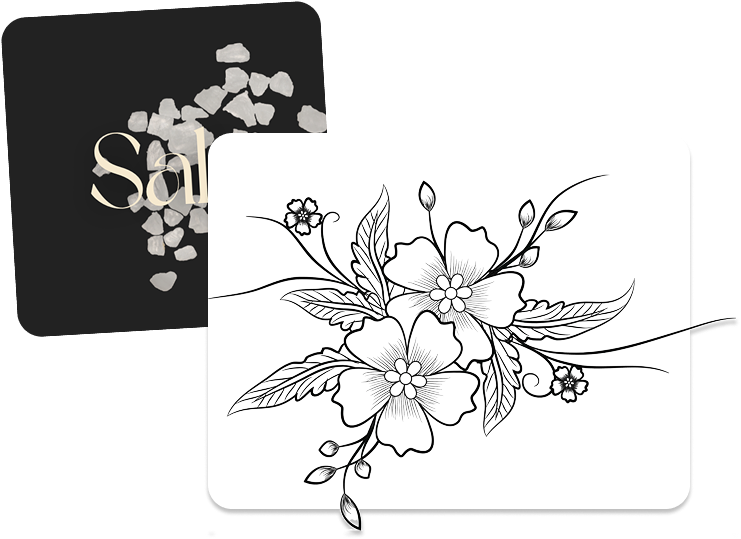
Vector Editor
Now you can easily edit and customize your vector files with total freedom. Whether you're creating something completely new or making quick adjustments—tweaking shapes, changing colors, refining details—you can do it all in just a few clicks.
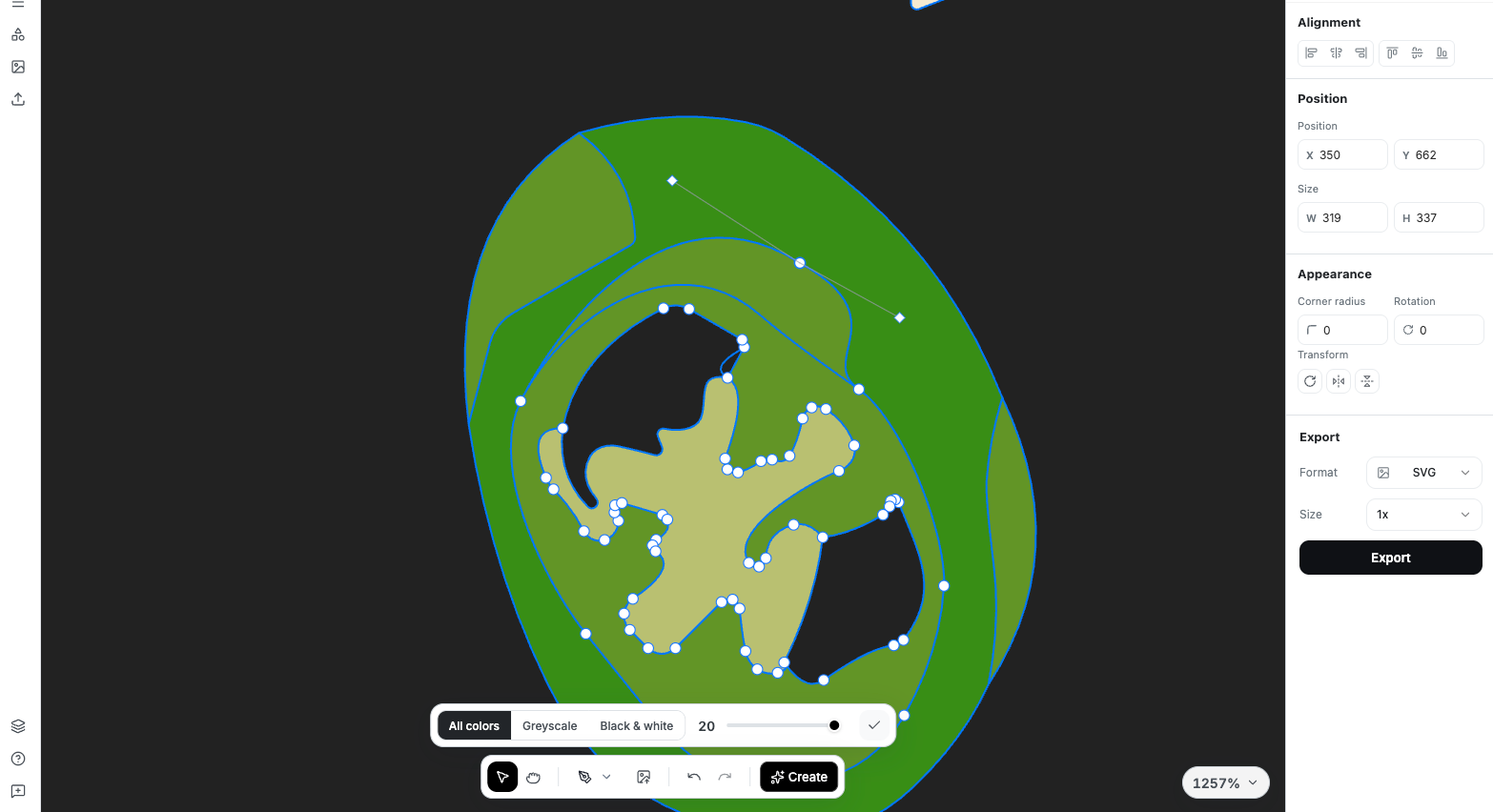
Edit Elements
Easily create new variations of your assets by repositioning elements, rotating components, and experimenting with different colors.
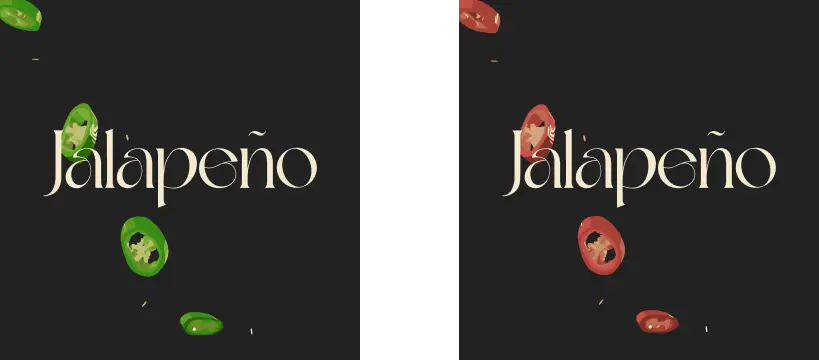
Modify SVGs
Easily edit vectors to create assets for your needs – modify elements, edit and remove backgrounds with ease.
Vector Editor's Features
Start from raster images and turn them into unique, scalable vector designs ready for web, print and CAM-ready.
Change Colors
Whether your colors don't match your brand guidelines or you just want to experiment, simply select one or multiple shapes and apply the exact colors you need.
Edit Paths
Rotate, replace, or delete paths to reshape your graphics and give them an entirely new look. With complete control over every line and curve, you can reinvent your design in seconds.
Work With Outlines
Enhance your illustration with sharper, more defined outlines or experiment with multiple outline styles, applying them to specific paths, selected shapes, or the entire design.
Vectorize Your Images & Customize Them With Editor
Whether you need a simple raster-to-vector conversion or full SVG customization, you've come to the right place. Just upload your image and get started.
Use Cases for Vectorization
Convert raster images to crisp vector graphics for any professional need.
Logos & Branding
Transform your logo into a scalable vector that looks perfect on everything from business cards to billboards.
Vector logos maintain crisp edges and vibrant colors at any size, ensuring brand consistency across all platforms and print materials. No more pixelated logos on large banners or blurry icons on websites.
Print & Signage
Prepare your artwork for professional printing with clean, scalable vectors that won't pixelate.
Whether you're printing posters, banners, vehicle wraps, or merchandise, vector files ensure your designs maintain sharp detail and accurate colors at any print size.
Engraving & CNC
Create machine-ready files for laser engraving, CNC cutting, and embroidery.
Vector files provide the precise paths needed for automated machinery, ensuring clean cuts and accurate reproductions of your designs on materials like wood, metal, fabric, and more.
Web & Digital
Optimize your graphics for web with lightweight, infinitely scalable SVG files.
Vector graphics load faster, scale perfectly on any screen resolution (including Retina displays), and can be styled with CSS for interactive effects. Perfect for icons, illustrations, and responsive designs.
What Our Users Are Saying
Design Pro
Instant logo vectorization
"Converted dozens of client logos from low-res PNGs to crisp SVGs in minutes. Saved hours of manual tracing work."
Print Shop
Print-ready vectors every time
"Our clients send us raster files all the time. This tool converts them to clean vectors that print perfectly on any material."
Maker Studio
Perfect paths for machines
"The vector output is clean and machine-ready. No more path cleanup before sending to our laser cutter or CNC router."
Frequently Asked Questions
Raster images (like PNG, JPEG) are made of pixels and lose quality when scaled up. Vector images use mathematical paths and can be scaled infinitely without losing quality, making them ideal for logos, print, and professional graphics.
You can convert PNG, JPEG, WebP, and PDF files to vector formats. We support output in SVG, EPS, DXF, and PDF vector formats, compatible with all major design software.
Vectorization works best with images that have clear shapes and solid colors, like logos and illustrations. Photos and complex gradients may be simplified during conversion. For best results, use high-contrast images with defined edges.
Yes! Our built-in vector editor lets you modify colors, paths, and shapes directly in the browser. You can also export to SVG or EPS and edit in professional software like Adobe Illustrator or CorelDRAW.
You can upload images up to 50MB. For optimal vectorization results, we recommend using images with clear edges and good contrast. Higher resolution source images typically produce better vector output.
Vectorize Your Images & Customize Them With Editor
Whether you need a simple raster-to-vector conversion or full SVG customization, you've come to the right place. Just upload your image and get started.
Built for
Integrate AI Power Into Your Apps
Access our full suite of AI tools programmatically. Build powerful image processing features into your products with just a few lines of code.
Lightning Fast
Process images in milliseconds with our optimized infrastructure
Simple Integration
RESTful API with clear documentation and code examples
Enterprise Ready
High availability with dedicated support for teams
const url = "https://api.yumepik.com/api/v2.0/ai-tools/image-vectorizer"

const headers = new Headers();
headers.append("Authorization", "Bearer YOUR_API_KEY_HERE");

const formdata = new FormData();

formdata.append("file", "image.png");
formdata.append("format", 'svg');

const requestOptions = {
  method: 'POST',
  body: formdata,
  headers: headers,
};

fetch(url, requestOptions)
  .then(response => response.json())
  .then(result => console.log(result))
  .catch(error => console.log("error", error));