For embroidery machines from Tajima to Brother
Turn any logo into a DST embroidery file
Upload an image and we digitize it for you: thread colors, satin and fill stitches, underlay and trims. See the stitches before you download.
Drop your image here
or
PNG, JPG, WebP or SVG
- Encrypted upload
- No account needed to preview
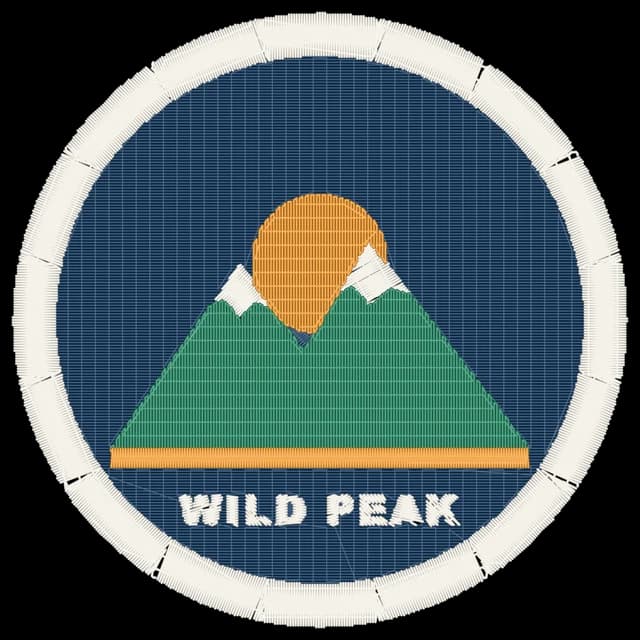
Examples
From image to stitches
Real stitch previews made by this tool from the artwork shown. Only the width was chosen: colors and stitches are automatic, with no manual editing.
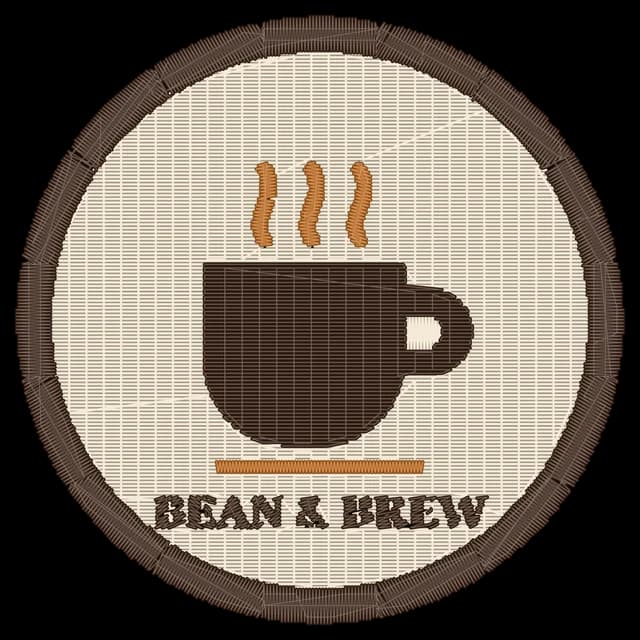

Original Café badge
70 × 70 mm · 3 colors · 5,685 stitches
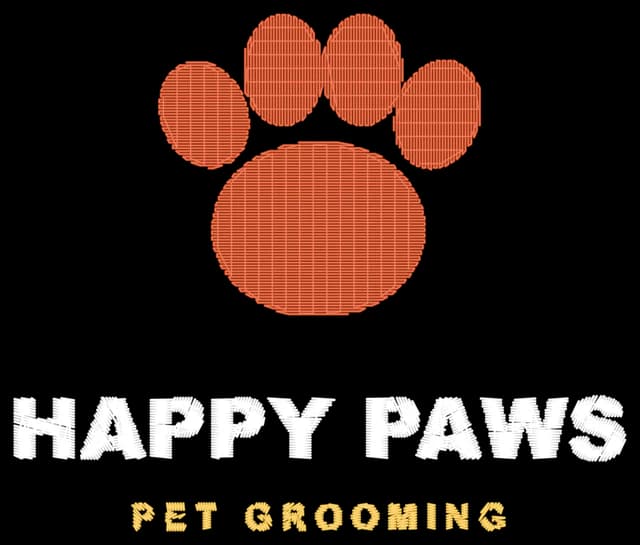
Original Pet groomer logo
90 × 76 mm · 3 colors · 3,076 stitches
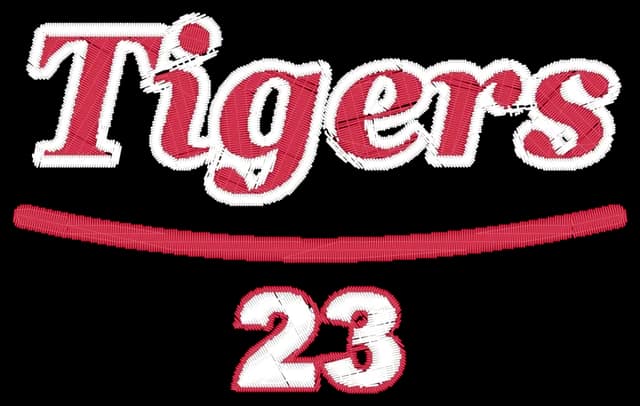
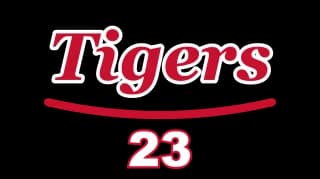
Original Team lettering
100 × 62 mm · 2 colors · 6,100 stitches
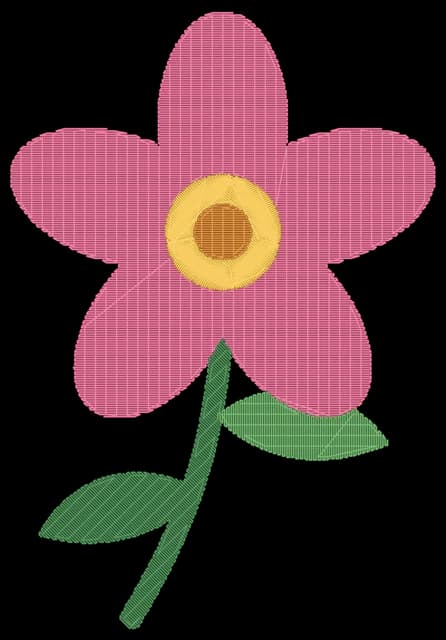
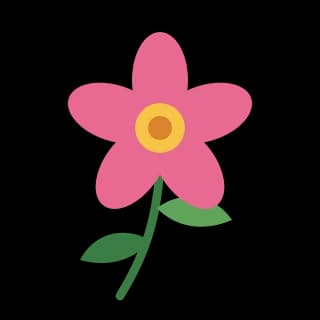
Original Flower illustration
80 × 117 mm · 5 colors · 4,751 stitches
Step by step
How it works
Three steps. No digitizing software needed.
Upload your image
Add a PNG, JPG, WebP or SVG. Logos with flat colors work best.
Choose size and colors
Set the width you'll stitch at, and check the stitch preview on the fabric color you'll use.
Download your machine file
Get DST, PES, JEF and EXP files, ready to load onto your embroidery machine.
Digitizing
Stitched the way a digitizer would
Every shape gets the stitch type that suits it, at the angle that suits it.
Satin stitch
Narrow shapes up to 7 mm wide, like letters and outlines, are covered edge to edge with smooth, shiny satin stitches that follow each curve.
Tatami fill
Larger areas are filled with rows of 3.5 mm stitches. Each row is offset from the last, so the fill looks even with no lines running through it.
Underlay
A light layer is stitched under every shape first. It holds the fabric flat and keeps the top stitches from sinking in.
Pull compensation
Thread pulls fabric inwards as it's stitched. Each stitch is made a little longer so shapes keep their size and meet without gaps.
File formats
One design, four machine formats
Every download includes all four files, so you can use the one your machine reads.
- DST
Tajima, Barudan, SWF, Ricoma, Happy and most commercial machines
The standard format for commercial embroidery. Thread colors are set on the machine, in the order shown in your design.
- PES
Brother and Baby Lock
Includes the nearest Brother thread color for each color in your design.
- JEF
Janome and Elna
Includes the nearest Janome thread color for each color in your design.
- EXP
Melco and Bernina
A simple stitch format that many machines and embroidery programs can open.
Best results
Which images work best?
Embroidery is made of thread, not pixels. The simpler the artwork, the cleaner the stitches.
Works great
- Logos and badges with flat colors
- Bold text, about 5 mm tall or more when stitched
- Transparent PNGs, or a plain background
- 2 to 8 colors
Harder to stitch
- Photos and soft gradients
- Very small text and hairline details
- Busy backgrounds
- Low-resolution or blurry images
What's included
Everything your machine needs
The details that make a design run smoothly, handled for you.
Thread colors from your image
Colors are picked from your artwork automatically, or set the number yourself. Similar shades are merged into one thread.
Background removed
Transparent areas and a plain background color are left out, so only your design is stitched.
Trims and tie-offs
Thread is locked at the start and end of each section and trimmed before long jumps, so there are no loose threads to cut by hand.
Any size up to 400 mm
From 20 mm cap logos to 400 mm jacket backs. The design is centered, ready to place in your hoop.
Real stitch preview
See every stitch on the fabric color you'll use, with the stitch count, trims and sewing time, before you download.
Efficient sewing order
Colors are sewn largest first and nearby shapes one after another, to keep thread changes and jumps to a minimum.
Privacy
Your artwork stays private
You're trusting us with your designs. Here's exactly what happens to them.
Encrypted upload
Your image is sent over a secure HTTPS connection and only used to create your embroidery design. We keep a copy of every file we create for you, previews included.
No account to preview
See the full stitch preview without signing up or sharing any personal details.
FAQ
Quick answers
What is a DST file?
DST is the Tajima embroidery format, read by almost every commercial embroidery machine. It stores every stitch, jump, trim and color change, but not the thread colors themselves: you choose those on the machine, in the order your design lists them.
Which image types can I upload?
PNG, JPG, WebP and SVG. Logos and artwork with flat colors give the cleanest result. Transparent PNGs work especially well, because there's no background to remove.
Can I convert a photo into embroidery?
Yes, but photos are reduced to a few flat colors, so they look like a poster rather than a photo. For the best result, use a logo or simple illustration, or choose fewer colors.
Which machines can use the files?
DST works on Tajima, Barudan, SWF, Ricoma, Happy and most other commercial machines. PES is for Brother and Baby Lock, JEF for Janome and Elna, and EXP for Melco and Bernina. Every download includes all four.
How big can my design be?
Any width from 20 to 400 mm. Choose a size that fits your hoop: the design is centered, and its exact size is shown in the preview.
Should I test-stitch the design first?
We recommend it. Automatic digitizing works well for most logos, but fabric, stabilizer and thread all affect the result, so stitch a sample on scrap fabric before a large order.
Is my image private?
Your image is sent over an encrypted connection and used to create your embroidery design. We keep a copy of every file we create for you, previews included. You don't need an account to preview.
Read the Privacy PolicyCan I get a refund?
Try the free stitch preview first, so you can check the result before you pay. Payments are generally non-refundable, but if you were charged by mistake, contact us within 14 days and we'll look into it. Where consumer law gives you refund rights, we honor them.
Read the Refund PolicyStill have a question?
Send us a message and our support team will help you get your design ready to stitch.
Contact support